What does Shot Tracker do?
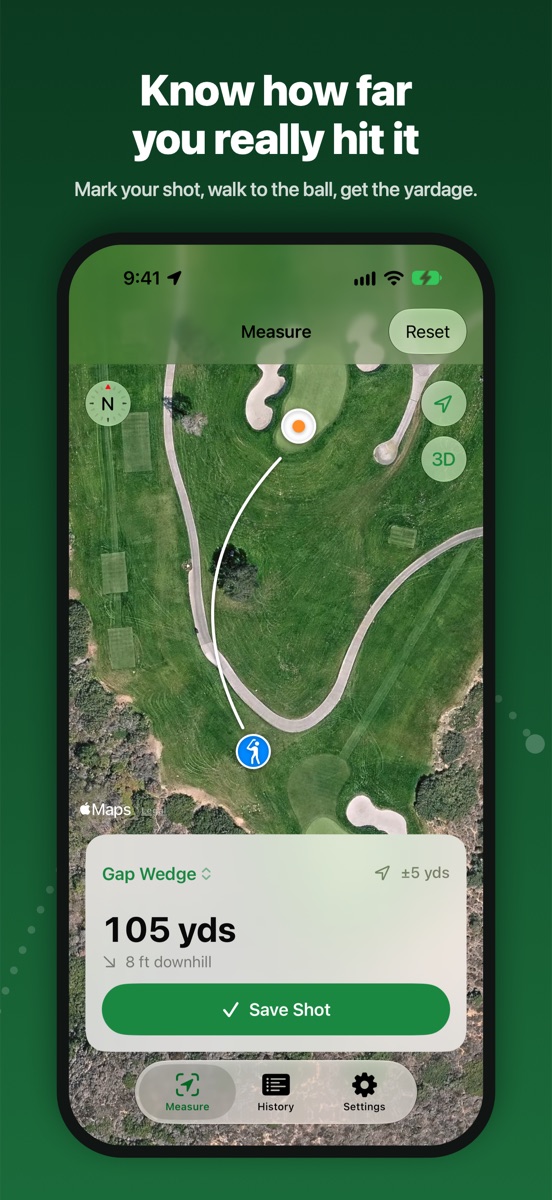
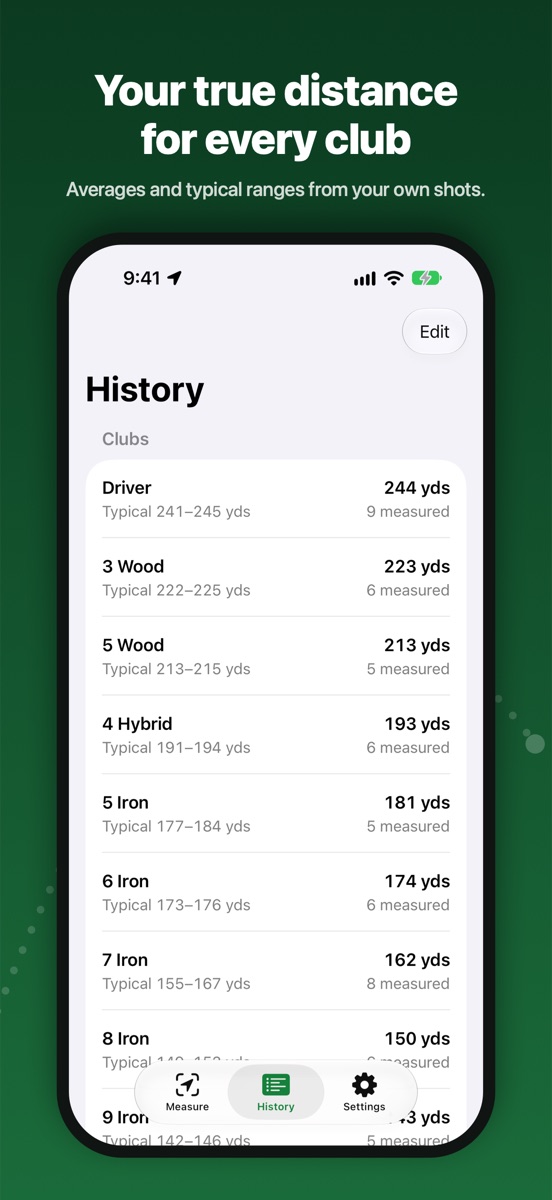
It measures how far each club really goes on the course. You choose which shots to measure: mark where you hit from, hit, walk to the ball, and mark where it stopped. The app saves the distance with the club, the elevation change, and the weather, and builds a typical range for each club.
How do I measure a shot?
Pick the club, stand at your ball, and tap Mark Start. Hit, walk to where the ball stopped, and tap Mark Ball. Hold still for a few seconds each time while the app averages GPS. You can also tap the satellite map to place a pin. Then tap Save Shot.
How accurate is it?
Each mark averages about 5 seconds of GPS readings and ignores poor ones. With a clear view of the sky, distances are typically within a few yards. The current GPS accuracy is shown in yards and turns green at 5 yards or better. Shot Tracker measures the straight-line distance to where the ball stopped, which is total distance, not carry. It is best for full shots with woods, hybrids, and irons.
How is elevation measured?
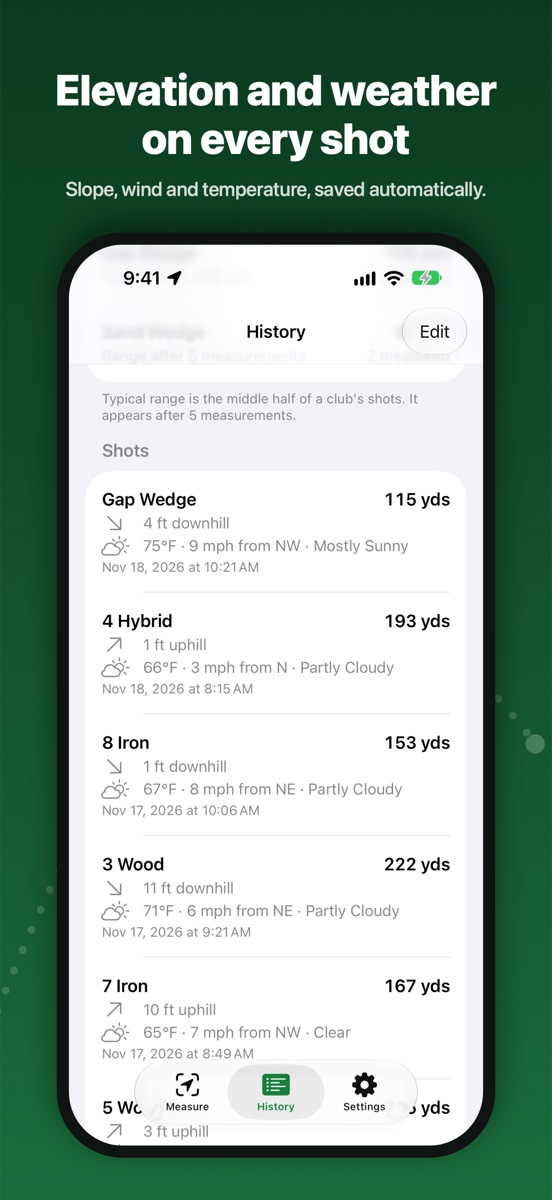
With your iPhone's barometer, which measures how much higher or lower the ball finished than where you hit from. If a pin was placed on the map, or the barometer paused on the walk, the change is shown as approximate with a “~”. If motion access is turned off, the shot saves without elevation.
Where does the weather come from?
Apple Weather. Temperature, wind, and conditions are saved with each shot. If you have no signal when you save, the weather is filled in later from Apple Weather's history for that time and place.
How is the typical range worked out?
It is the middle half of a club's shots, so one great or poor shot doesn't skew it. It appears once a club has 5 measurements. The average uses every saved shot; delete a shot you don't want counted.
Does it track my round or score?
No. Shot Tracker measures only the shots you choose, so you can measure a few good swings each round without tracking every shot.
Does it need a connection?
GPS marking and distances work without a signal. Satellite map imagery and weather need a data connection; weather is filled in later if it's missing.
Is there an account or ads?
No account and no ads. Your shots stay on your iPhone. See the privacy policy for details.
Which devices does it support?
iPhone with iOS 17 or later. Every iPhone that runs iOS 17 has the barometer used for elevation.