

King of the Key

One key. One door. Two sprouts.

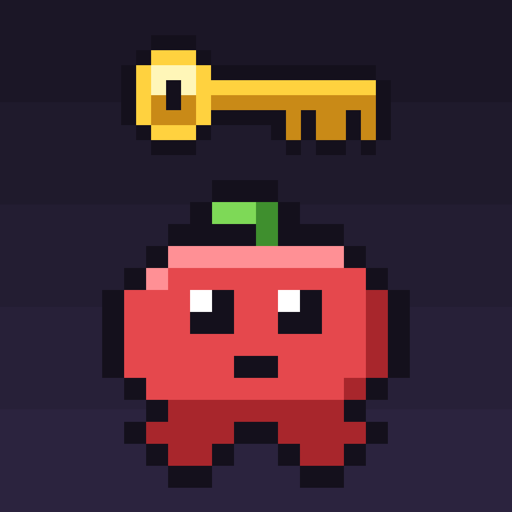
A pixel platform race for iPhone. Play a friend on the same phone, or take on the computer: grab the key, reach the door, and bonk your rival on the head to steal it on the way.

Available on the App Store

For iPhone. Free. 1 or 2 players on one phone. Works offline, with no ads and no account.

Download on the App Store (opens in a new tab)
King of the Key app icon

Pass-and-play, side by side

Couch multiplayer that fits in your pocket.

Turn your iPhone sideways and each player gets their own buttons on their own side of the screen. Rounds are short and loud, every bonk lands with a buzz, and the lead can change with one well-timed jump.

  • 1 or 2 players
  • 11 levels
  • Works offline
  • No ads
01

Race for the key

There's one key per level. Grab it, then jump at the door to open it and win the round.

02

Bonk to steal

Your rival has the key? Land on their head and it's yours. Every level also has a lever that shakes things up: reverse the belts, kill the lights, and more.

03

Eleven worlds

Gearworks, Frostbite Peak, Neon Grid, Magma Core, Sky Gardens, Ghost House, Deep Forest, Potion Lab, Alien World, Shark Attack, and Sawmill. Each cup is five of them, picked at random.

04

Easy, Normal, or Hard

Playing alone? Pick how tough the CPU is in Settings. Easy and Normal get sharper every round of the cup; Hard plays its best from the very first round.

Common questions

King of the Key, explained.

For friends, siblings, and anyone who wants a quick race on one phone.

What is King of the Key?

A pixel-art platform race. There is one key per level: grab it, then jump at the door to win the round. Without the key, jump on your rival's head to steal it. A cup is five rounds on levels picked at random from eleven, and the most stars wins.

How do two people play on one iPhone?

Turn the phone sideways and sit side by side. Each player gets their own left, right, and jump buttons on their side of the screen, and both can press at once.

Can I play alone?

Yes. Tap 1 Player vs CPU on the title screen, and choose Easy, Normal, or Hard in Settings. The computer plays the other sprout. On Easy and Normal it gets sharper every round of the cup; on Hard it plays its best from the start.

Can I practice a level?

Yes. Practice & Records on the title screen lists every level with your best time. Pick one to play it alone against the clock. Your best times and cup records are kept on your iPhone.

Can I make it easier to see or play?

Yes. Settings on the title screen has larger touch buttons and a Reduce Motion option that turns off screen shake, flashing, and blinking. It follows your iPhone's Reduce Motion setting automatically. You can also turn sound and haptics on or off.

Does it need an internet connection?

No. Everything, including the music and sound, is built into the app, so it plays anywhere: in the car, on a plane, or with no signal.

Are there ads, accounts, or in-app purchases?

No. There are no ads, no accounts, no in-app purchases, and the app collects no data.

Which devices does it support?

iPhone with iOS 17 or later, played in landscape.

Get King of the Key for iPhone

Free on the App Store.

King of the Key plays fully offline. It collects no data and has no analytics or advertising.